VNC Lockdown
Why the VNC address stays localhost when HearthGate keeps the Mac screen port protected behind SSH.
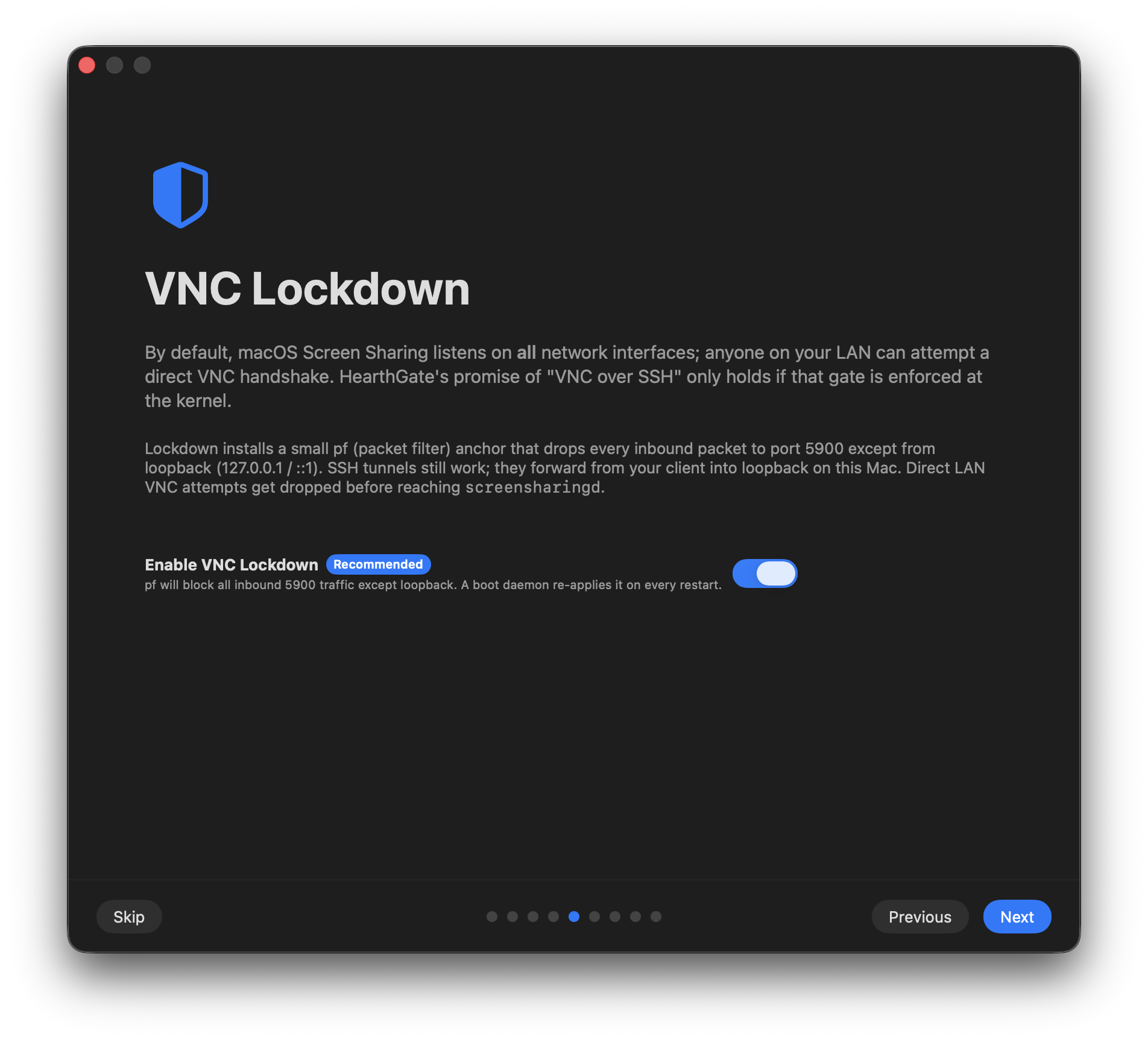
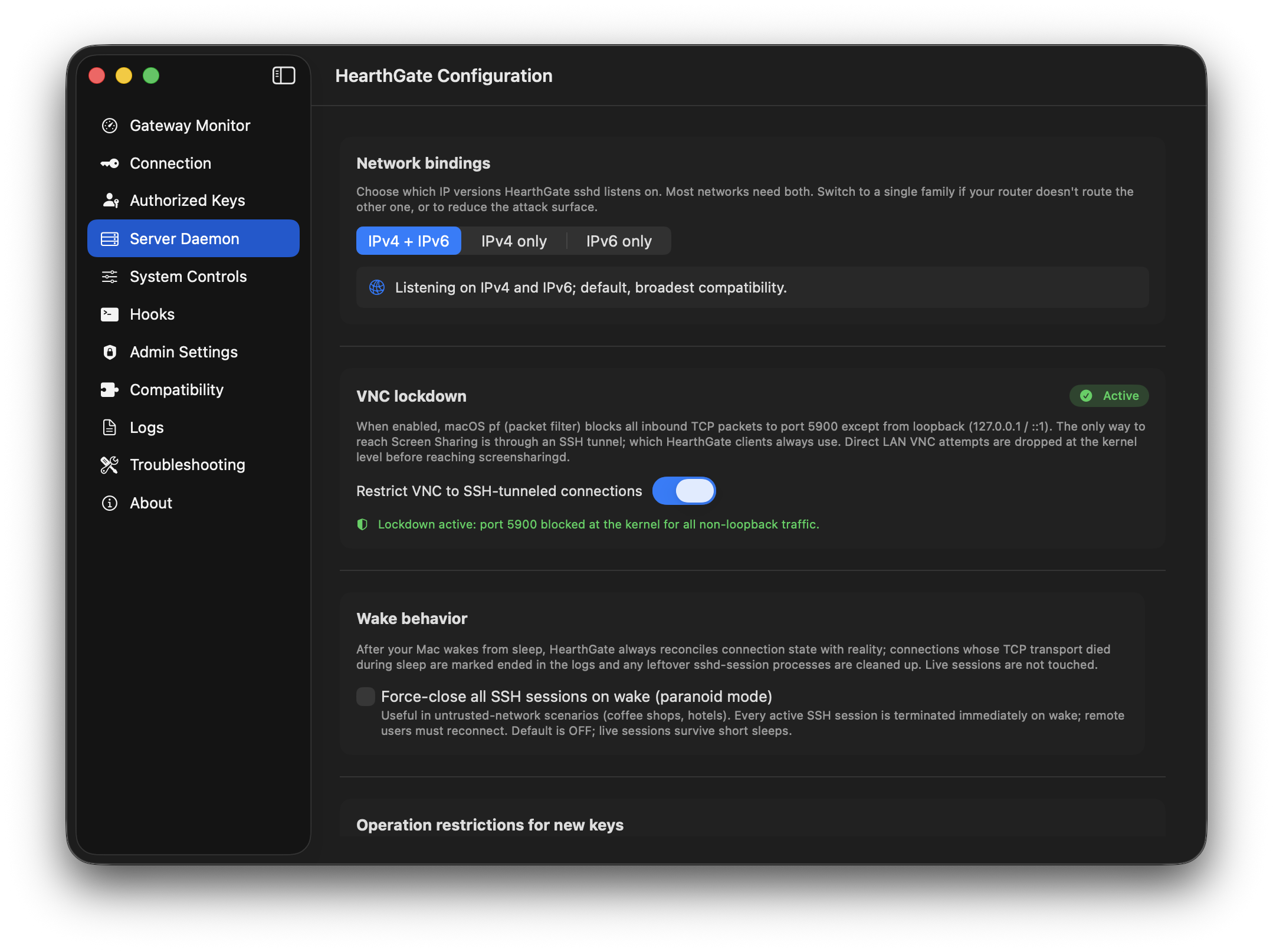
What VNC Lockdown does
HearthGate uses the Mac's built-in packet-filter firewall, pf, to keep the VNC port closed to the network. Port 5900 is allowed only from the Mac's own loopback addresses, localhost, 127.0.0.1, and ::1.
That is why VNC clients should use localhost as the VNC address when VNC Lockdown is enabled. The SSH tunnel reaches the Mac first; after that, the Mac connects to its own screen-sharing service through loopback.
If you enter the Mac's LAN IP as the VNC Address, the Mac tries to reach its own screen service through the LAN interface instead of loopback, so the firewall blocks it. This is intentional: someone on the same network cannot reach the screen port unless they also have the SSH key.
LAN vs internet connection settings
Only the SSH endpoint changes. The VNC Address stays the same because, after the tunnel is established, the Mac is the machine dialing its own Screen Sharing service.
| Field | From the same LAN | From the internet |
|---|---|---|
| SSH Host | Mac LAN IP | Public WAN IP or DDNS |
| SSH Port | HearthGate SSH port, example shown | Same HearthGate SSH port, example shown |
| VNC Address | Always the Mac itself | Always the Mac itself |
| VNC Port | Screen Sharing port | Screen Sharing port |
Router setup: forward only the HearthGate SSH port to the Mac's LAN IP. The port below is only an example; use the SSH port configured in your HearthGate setup.
22023 -> 192.168.50.54Do not forward the VNC port. Keep port 5900 unreachable directly; the SSH tunnel is the intended entry path.